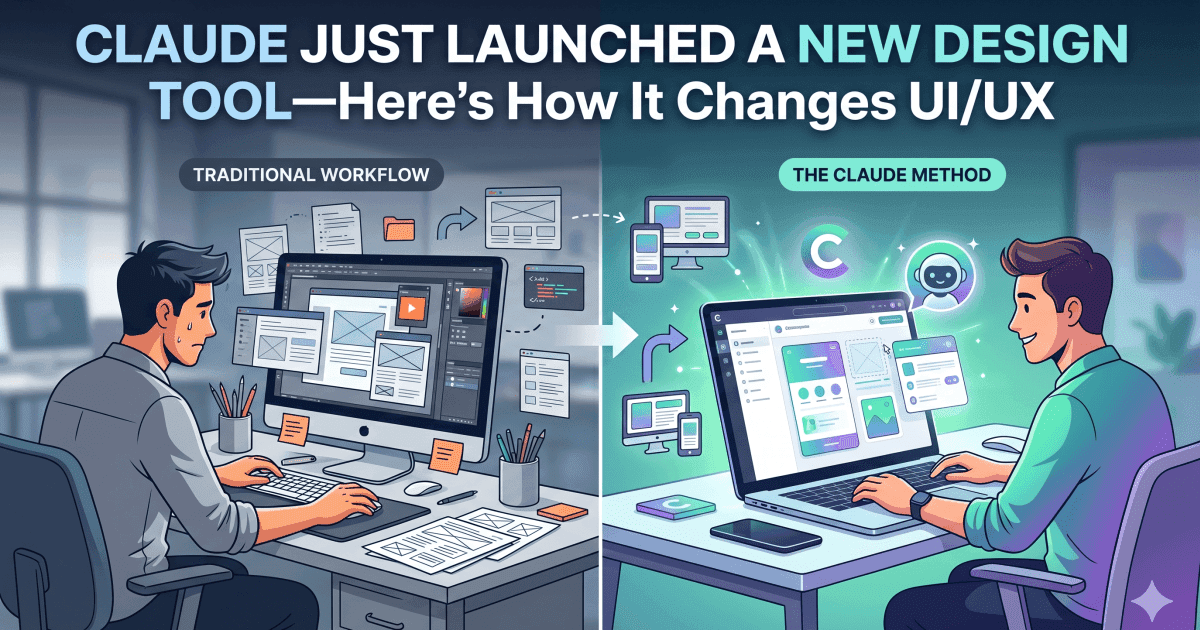
Claude Just Launched a New Design Tool—Here’s How It Changes UI/UX
A New AI Tool That Designs UIs For You
Anthropic just launched Claude Design, a new AI‑powered product that turns simple prompts into full‑blown UIs, landing pages, marketing decks, and even app prototypes.
If you’re a UI/UX designer, product designer, or founder, this changes how fast you can go from idea to pixels. Instead of starting from scratch in Figma or Sketch, you can describe what you want in plain language and get a polished interface as a starting point.
How Claude Design Actually Works
Claude Design runs on Opus 4.7, Anthropic’s latest vision‑aware model, and is currently in research preview for Pro, Max, Team, and Enterprise users.
Here’s how it typically fits into a workflow:
Describe your idea:
“A mobile onboarding flow for a habit‑tracking app, with a calm color palette and friendly microcopy.”Get a visual layout:
Claude Design outputs a high‑fidelity UI with copy, typography, and spacing that you can iterate on.Export artifacts:
You can hand off comps, or even export to code‑ready formats and design‑system‑compatible assets.
What makes it interesting for designers is that it doesn’t just generate random mockups—it tries to respect your brand system (colors, spacing, components) when you reference the
A New AI Tool That Designs UIs For You
Anthropic just launched Claude Design, a new AI‑powered product that turns simple prompts into full‑blown UIs, landing pages, marketing decks, and even app prototypes.
If you’re a UI/UX designer, product designer, or founder, this changes how fast you can go from idea to pixels. Instead of starting from scratch in Figma or Sketch, you can describe what you want in plain language and get a polished interface as a starting point.
How Claude Design Actually Works
Claude Design interface
Claude Design runs on Opus 4.7, Anthropic’s latest vision‑aware model, and is currently in research preview for Pro, Max, Team, and Enterprise users.
Here’s how it typically fits into a workflow:
Describe your idea:
“A mobile onboarding flow for a habit‑tracking app, with a calm color palette and friendly microcopy.”Get a visual layout:
Claude Design outputs a high‑fidelity UI with copy, typography, and spacing that you can iterate on.Export artifacts:
You can hand off comps, or even export to code‑ready formats and design‑system‑compatible assets.
What makes it interesting for designers is that it doesn’t just generate random mockups—it tries to respect your brand system (colors, spacing, components) when you reference them in the prompt.
Why This Matters For UI/UX Designers
For a long time, AI tools have been good at generating copy or rough wireframes, but not at delivering production‑ready UIs. Claude Design is inching closer to that.
From a UI/UX perspective, this means:
Faster explorations: You can generate 3–5 layout options in minutes, then refine the one that feels right.
Stronger collaboration with PMs and founders: Non‑designers can translate their ideas into visuals, which you can then polish and align to your design system.
Leaner prototyping: You can build simple prototypes or landing pages without heavy coding or complex design‑tool gymnastics.
For your portfolio, using Claude Design as a rapid‑exploration tool can help you show multiple concepts quickly, while still proving your skill in final polish and interaction design.
How It Fits Into Modern Design Workflows
Teddy O’Connor, Anthropic’s CPO, described Claude Design as a way to “bring ideas to life faster,” and it’s easy to see why.
In practice, designers are starting to use it like this:
Early ideation phase: Use Claude Design to generate several layout directions, then bring the best into Figma or your preferred tool.
Client or stakeholder demos: Turn a vague brief into a presentable mockup so you can discuss structure and flow before committing to pixel‑perfect screens.
Micro‑apps and landing pages: Build simple dashboards, sign‑up flows, or campaign pages without needing a full dev team at the start.
If you’re a UI/UX designer who also codes, you can even pair Claude Design with Claude Code to get closer to a “prompt → design → front‑end code” workflow.
Should You Worry About Being Replaced By AI?
This is a question many designers are asking.
The short answer: No—but your workflow will change.
Claude Design is great at speed and breadth, but it still struggles with nuance:
Emotional tone in microcopy
Deep, user‑research‑driven patterns
Accessibility and edge‑case flows
That’s where human designers still shine. Your job is shifting from making every pixel manually to guiding, editing, and refining AI‑generated layouts with intention and empathy.
Final Thoughts
Claude Design is not the end of UI/UX design—it’s the beginning of a new way of working where AI becomes your junior co‑designer.
If you’re a designer who embraces change, this is a chance to:
Speed up your workflow
Experiment with more ideas
Focus on the things AI can’t do: empathy, research, and thoughtful interaction design