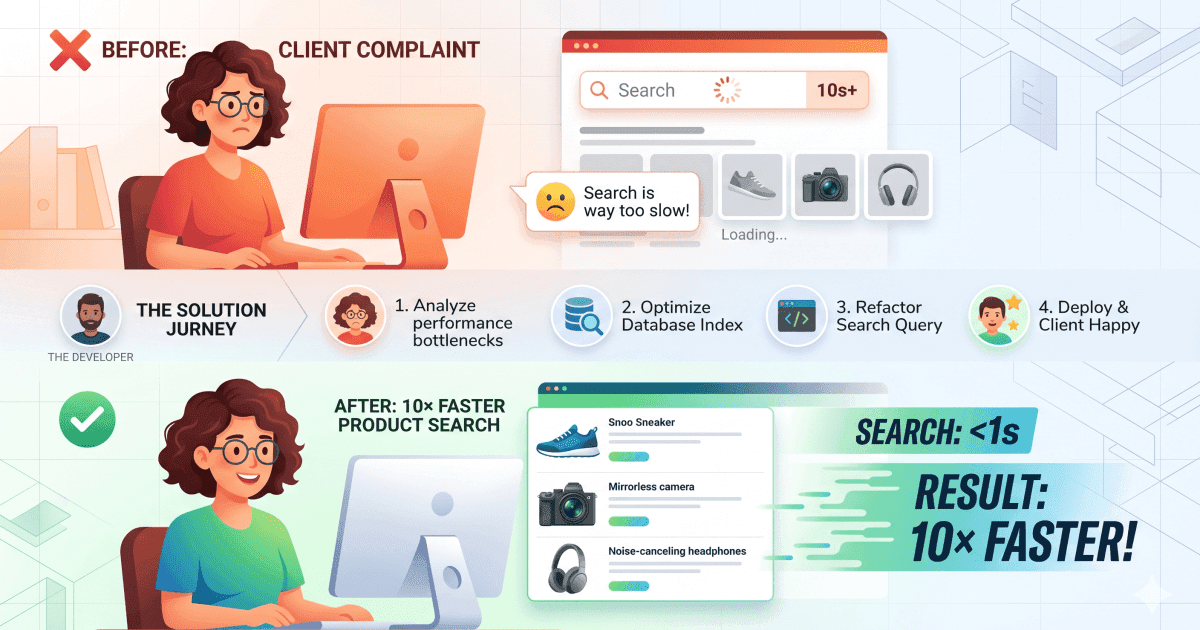
How I Made Product Search 10× Faster After a Client Complained
The message I didn't want to receive
The project was delivered. The client was happy. And then, a few days later, a message came in — product search was slow. Really slow.
My stomach dropped a little. During development, I'd been testing with 50 to 60 products and the queries felt snappy. Fast enough that I never thought twice about them. But in production, with 500 to 1,000 real products, the same search was taking 2 to 3 full seconds to respond.
2,000–3,000 ms response time on a product search. For context, users expect search to feel instant — under 300 ms. We were 10× over that threshold.
I had two options: make excuses or go fix it. I chose the latter.
Finding the root cause
The first thing I did was look at the actual query. Here's roughly what it looked like before any changes:
before — the slow query
const products = await Product.find({
  $or: [
    { name: { $regex: searchTerm, $options: 'i' } },
    { description: { $regex: searchTerm, $options: 'i' } },
    { category: { $regex: searchTerm, $options: 'i' } },
  ]
}) // returns full Mongoose documents — all fields
Three problems jumped out immediately. The $regex operator does a full collection scan on every search — no index, no shortcut, just brute-force string matching across every document. On top of that, Mongoose was returning fully hydrated model instances with every field, even ones the client never needed. That's a lot of unnecessary data moving through the wire and memory.
The three fixes
01
Replace regex with a MongoDB text index
Text indexes are built specifically for full-text search. Instead of scanning every document character by character, MongoDB uses the index to jump straight to matches. One index creation, permanent speed gain.
02
Project only the fields the client actually needs
Why send 20 fields when the search results UI only displays 5? Adding a select() call cuts down the data transferred from MongoDB to the server and from the server to the client.
03
Add .lean() to skip Mongoose document hydration
By default, Mongoose wraps every result in a full document object with methods, getters, and prototype chains. lean() skips all of that and returns plain JavaScript objects — much faster to create and garbage collect.
The code, before and after
Before:
Product.find({ $or: [ { name: { $regex: q, $options: 'i' }}, { description: { $regex: q, $options: 'i' }} ] })After:
Product.find( { $text: { $search: q }}, { score: { $meta: 'textScore' }} ) .select('name price image slug') .lean()schema — adding the text index
ProductSchema.index({
  name: 'text',
  description: 'text',
  category: 'text',
}, {
  weights: {
    name: 10,        // name matches rank highest
    category: 5,
    description: 1,
  }
})
The weights are worth noting — they tell MongoDB to rank a match in the product name higher than a match buried in a description. Search results feel more relevant with almost no extra effort.
The result
Before
2,800 ms
After
240 ms
Improvement
10×
240 ms average response time on 1,000+ products. The client noticed immediately — and so did their customers.
What I learned
The real lesson here isn't about MongoDB — it's about assumptions. I assumed 50 products was a representative test environment. It wasn't. Development data is almost never representative of production data at scale, and performance issues that hide at small scale become very visible at real scale.
I also learned that MongoDB's toolbox is rich. Regex feels like the obvious tool for search because it's familiar — but it's almost always the wrong one. Text indexes exist precisely for this use case and they're not hard to set up